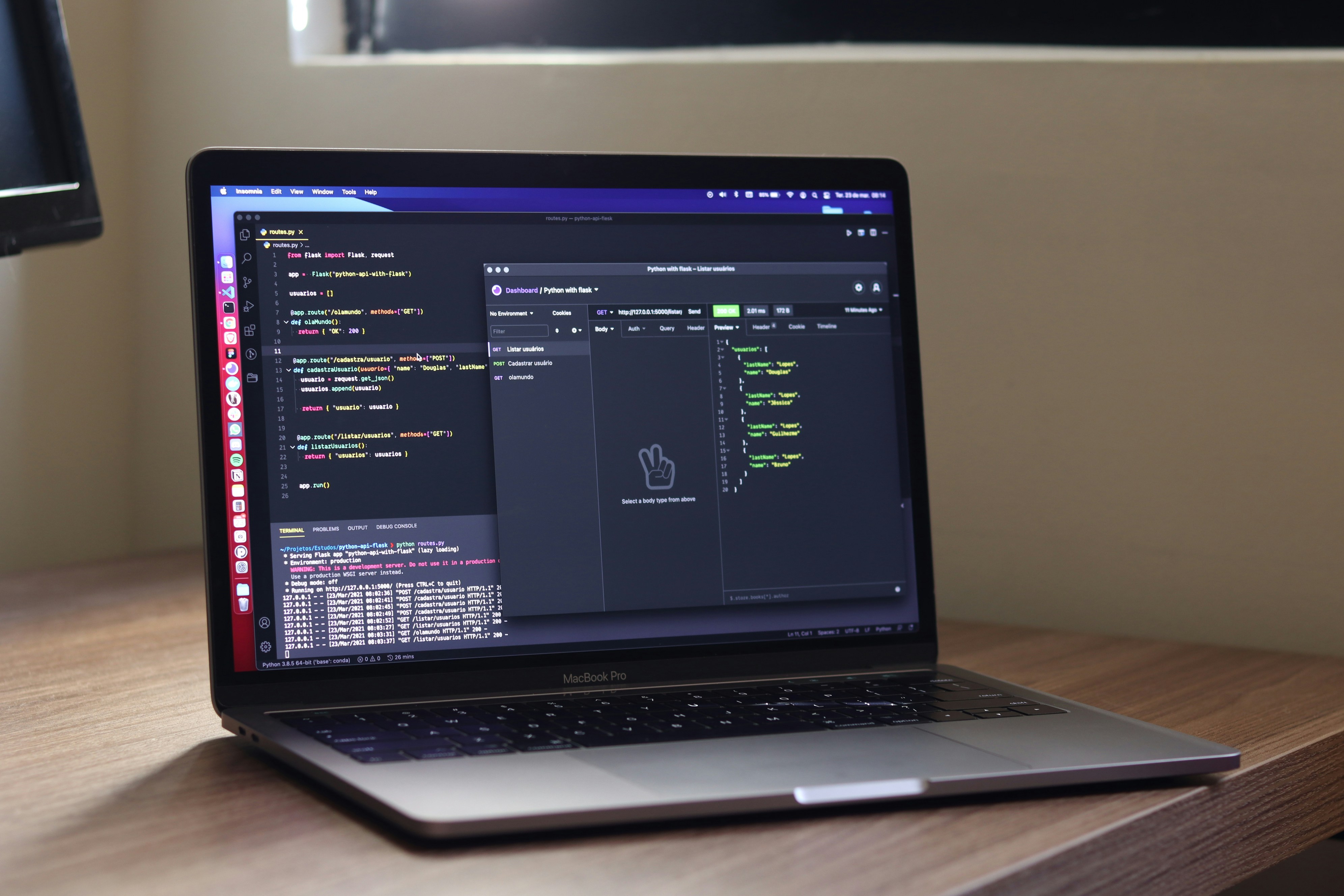
How to Automate Device Monitoring With Analytics-Driven Tools
Jul 24, 2026



Reliable system health matters, even when you manage everything remotely. Staying informed about the condition of your servers, applications, and networks keeps downtime and disruptions at bay. This guide introduces five exceptional options that help spot and address problems before they escalate, making remote monitoring straightforward. Each solution comes with an overview of key features, available pricing plans, and practical advice for getting started quickly. With this information at your fingertips, you can confidently choose the right tools to keep your environment running smoothly, no matter where you are working from.
These tools suit any remote setup. They send alerts to your phone, dashboards to your browser, and reports to your inbox. We emphasize simplicity and depth. You don’t need to juggle a dozen apps—just pick the one that suits your workflow, budget, and skill level.
Proactive monitoring involves spotting slowdowns, spikes, or errors before users notice. That level of visibility allows you to fix problems during low-traffic hours. It reduces downtime and builds confidence in your infrastructure.
Key metrics include CPU use, memory load, disk I/O, and network latency. You also monitor application errors, log entries, and user response times. The right tool consolidates these data points into one view. From there, you set triggers that activate when thresholds cross safe limits.
Datadog provides a cloud-native platform that adjusts to your needs. It connects to over 450 services, from AWS to Kubernetes. A drag-and-drop dashboard builder helps you visualize any metric. You can also combine logs and traces on the same graph.
You install an agent on each host within minutes. The default configuration automatically discovers services. Then, you adjust thresholds and alert rules in a web console. Integrations for Slack and PagerDuty send notifications where you already work.
Zabbix stands out as a free, open-source solution. It combines agent-based and agentless monitoring. You can poll SNMP devices, check web endpoints, or pull data via APIs. A server component stores metrics in a built-in database.
The setup uses a server-agent model. You install the server on a Linux VM, then deploy agents on your hosts. The setup wizard guides you through key settings. You can import ready-made templates for common applications like MySQL.
Pingdom specializes in uptime and response checks. It runs tests from dozens of global locations every minute. If a site or API stalls, Pingdom sends instant alerts. You receive a clear timeline of outages and response times.
Setting it up takes only a few clicks. You enter a URL, choose a check frequency, and select alert channels. The interface displays test results with color-coded status. A public status page option keeps clients informed without additional work.
Netdata offers real-time metrics at one-second resolution. It uses minimal resources and installs via a single script. The dashboard updates automatically and shows everything from system load to per-process charts.
Its local web UI functions immediately. For remote viewing, you connect machines via a central server or push metrics to the cloud service. You gain instant insights into spikes in CPU use or sudden disk writes.
New Relic combines infrastructure and application monitoring with error tracking. It instruments code to catch exceptions, measure database calls, and chart front-end performance. You get a unified view of user impact.
It provides a free tier with 100GB of monthly data ingestion. Paid plans add data retention and advanced queries. The setup uses language-specific agents for Java, Node.js, Python, and more. Dashboards and alerts appear in a modern, clean interface.
Select one tool as your main monitor. Add a second one for specialized tasks, such as uptime checks or log analysis. Keep dashboards clean by maintaining consistent naming conventions and tags.
Keep your documentation current. Use a shared wiki with configuration snippets to support the next person on call. Regularly update your dashboard layouts to reflect changing priorities.
These tools help you identify issues quickly and keep your systems running smoothly. Choose the right combination for your setup and adjust your alerting for seamless operation.

Protecting online transactions calls for more than just basic password checks. Clear, practical steps help keep payment processes both secure and efficient in modern...
Aug 16, 2026

Managing funding applications demands careful handling of sensitive documents, strict attention to deadlines, and thorough compliance checks. Disorganized workflows...
Jun 06, 2026

Building a company without a central office calls for new ways of working together. Teams located in different time zones rely on well-defined goals, dependable...
Jun 28, 2026

Many support teams encounter difficulties as users work across various platforms and operate in different time zones. Automated tools address these challenges by...
Aug 22, 2026
Remote teams often deal with disjointed apps and tedious manual handoffs, which can delay projects and lead to missed deadlines. Bringing everything together becomes...
Jun 15, 2026

Verifying identities remotely often slows down productivity, especially when team members work from different locations. Quick and reliable login processes help everyone...
May 12, 2026

Working from different cities calls for dependable ways to exchange files and keep information safe. Cloud platforms make it possible for people to collaborate from...
Jun 21, 2026

Managing multiple income streams often turns confusing without an organized approach. A unified platform gathers information from payment centers, expense records, and...
Jul 10, 2026

Teams working in sales roles across multiple locations sometimes face feelings of isolation and confusion about their responsibilities. When communication breaks down,...
Jul 01, 2026

Handling expenses in multiple currencies often brings unexpected challenges, especially as exchange rates change from day to day. You may swipe your card for coffee in...
Jun 02, 2026
People rely on cloud storage to keep files accessible and up to date on any device. Whether working from a home office or catching up at a local café, users can open,...
Jul 21, 2026

Handling retirement savings when you work across different countries often means dealing with multiple currencies, unique tax laws, and constantly changing exchange...
Aug 12, 2026

Keeping track of royalties and licensing income often becomes overwhelming with contracts, sales reports, and payments arriving from various countries at unpredictable...
Aug 19, 2026

Many teams find that traditional performance reviews fail to capture the realities of modern work, especially when colleagues operate from different locations and time...
May 19, 2026